
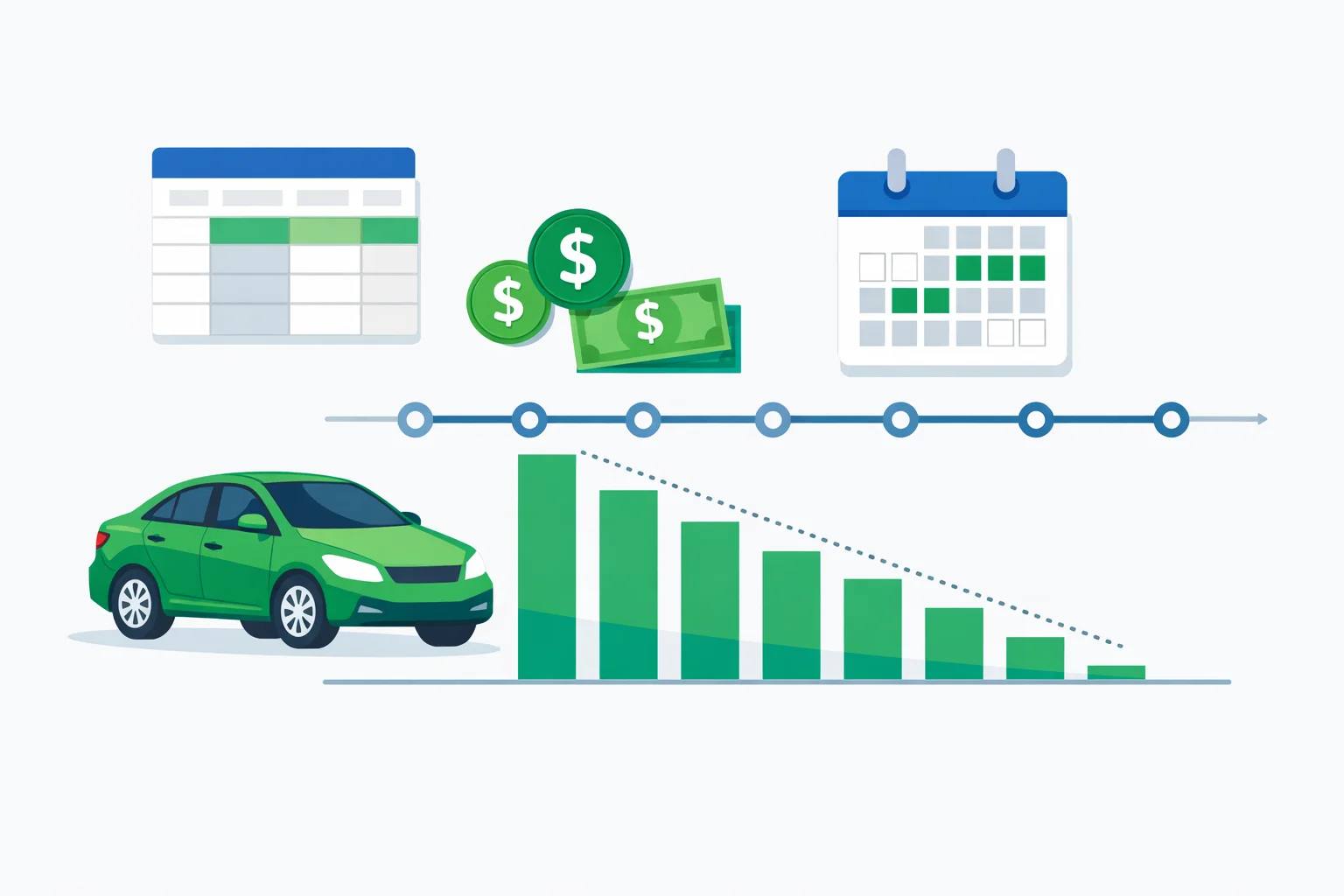
Auto Loan Amortization Schedule: See Exactly Where Every Payment Goes
An auto loan amortization schedule breaks down every single car payment into exactly how much goes toward principal and how much goes to interest. If you've ever wondered why your loan balance barely moves during the first year of payments, the answer is hiding inside this schedule. On a typical $30,000 auto loan at 6.5% for 60 months, your first payment sends $162.50 to interest and only $424.55 to principal — nearly 28% of that payment is pure interest cost.
Our amortization schedule generator above builds your complete payment table in seconds. You'll see month-by-month and year-by-year breakdowns, track your payoff milestones, and — most importantly — test how extra payments can shave months off your loan and save thousands in interest.
How to Use the Auto Loan Amortization Schedule Calculator
Generating your personalized payment schedule takes less than a minute. Here's how to get the most out of every feature:
- Enter your Loan Amount — type the total financed amount after your down payment. For example, if you're buying a $35,000 vehicle with $5,000 down, enter $30,000.
- Set the Interest Rate (APR) — enter the annual percentage rate from your loan offer. Use the quick-select term buttons (36, 48, 60, 72, 84 months) or type a custom term.
- Choose your Loan Term — shorter terms mean higher payments but dramatically less interest. A 48-month term on $30,000 at 6.5% saves $2,340 in interest compared to 72 months.
- Set your First Payment date — this aligns the schedule with your actual billing cycle so every date in the table matches reality.
- Add an Extra Monthly Payment — even $50/month extra on a $30,000 loan saves over $600 in interest and pays the loan off 4 months early.
- Click Generate Schedule — review your summary cards, then switch between Year-by-Year and Month-by-Month views. Hit Print to save a copy for your records.
How Auto Loan Amortization Works: The Math Behind Your Payments
Every fixed-rate auto loan uses the same amortization formula to calculate your monthly payment. Understanding this formula helps you see why early payments are interest-heavy and later payments are principal-heavy.
The standard amortization formula is: M = P × [r(1 + r)^n] / [(1 + r)^n − 1], where M is your monthly payment, P is the loan principal, r is the monthly interest rate (annual rate divided by 12), and n is the total number of payments.
Worked Example: $30,000 Loan at 6.5% for 60 Months
Let's walk through a real calculation. With P = $30,000, an annual rate of 6.5% (monthly rate r = 0.005417), and n = 60 months:
- Monthly payment: $587.05
- Total of all payments: $35,223.23
- Total interest paid: $5,223.23
Here's what's eye-opening: in payment #1, $162.50 goes to interest and $424.55 goes to principal. By payment #30 (halfway), interest drops to $89.90 and principal jumps to $497.15. By the final payment #60, only $3.16 is interest. This gradual shift is the core of amortization — your interest cost shrinks each month because it's always calculated on the remaining balance.
| Payment # | Payment | Principal | Interest | Balance |
|---|---|---|---|---|
| 1 | $587.05 | $424.55 | $162.50 | $29,575.45 |
| 12 | $587.05 | $449.41 | $137.64 | $24,948.51 |
| 30 | $587.05 | $497.15 | $89.90 | $16,091.94 |
| 60 | $587.05 | $583.89 | $3.16 | $0.00 |
How Extra Payments Accelerate Your Payoff
The most powerful feature of an amortization schedule is seeing the impact of extra payments. Because interest is calculated on the remaining balance, every extra dollar you pay goes 100% toward principal — which reduces the balance that future interest is calculated on. It's a compounding benefit that grows over time.
Using our $30,000 example at 6.5% for 60 months, here's what different extra payment amounts actually save:
| Extra Monthly | Interest Saved | Months Saved | New Payoff |
|---|---|---|---|
| $0 (base) | — | — | 60 months |
| $50 | $642 | 4 | 56 months |
| $100 | $1,176 | 8 | 52 months |
| $200 | $2,023 | 14 | 46 months |
| $500 | $3,410 | 25 | 35 months |
Notice the diminishing returns: the first $100/month saves $1,176, but going from $200 to $500 saves only $1,387 more. The sweet spot for most borrowers is $50–$150/month extra — enough to make a meaningful dent without straining your budget. Use our auto loan payoff calculator to find the exact extra payment amount that hits your target payoff date.
Amortization Schedule vs. Simple Interest: What's the Difference?
Most auto loans use simple interest amortization, but the terms can be confusing. Here's the key difference: an amortization schedule is the payment plan — the table showing how each fixed payment splits between principal and interest. Simple interest is the method used to calculate the interest charge each month (interest = remaining balance × daily rate × days since last payment).
This means that if you pay early in the billing cycle, you'll owe slightly less interest than the schedule shows. Paying late costs you more. The schedule assumes on-time payments, but simple interest rewards early payers. According to the Consumer Financial Protection Bureau, understanding this distinction can help borrowers make strategic payment timing decisions.
5 Pro Tips for Using Your Amortization Schedule
- Front-load extra payments in year one. Interest charges are highest early in the loan. An extra $100/month in year one saves more than the same $100/month in year four because it reduces the principal that compounds for the remaining years.
- Check for prepayment penalties. Some lenders charge fees for paying off a loan early. Most major auto lenders don't, but credit unions and buy-here-pay-here dealers sometimes do. Confirm before sending extra payments.
- Use the schedule to negotiate. When refinancing, compare your current amortization schedule's remaining interest against the new loan's total interest. If the savings aren't at least $500, the hassle may not be worth it. Try our auto loan refinance calculator to run the numbers.
- Track the crossover point. Find the payment number where principal exceeds interest for the first time. On a 60-month loan at 6.5%, this happens around payment #1 (since even the first payment has more principal than interest at typical auto loan rates). At higher rates like 12%, the crossover happens later — around payment #20.
- Print and annotate. Keep a printed schedule and mark each payment as you make it. Circle any months where you paid extra. This creates a visual record of your progress and keeps you motivated to stay on track. Our auto loan interest calculator can help you understand exactly how much each extra payment saves.
When Should You Generate an Amortization Schedule?
There are four key moments when pulling up your amortization schedule makes the biggest difference:
- Before signing the loan: Compare the total interest across different term lengths. The difference between 48 and 72 months on a $30,000 loan at 6.5% is $3,413 in interest — knowing this before you sign gives you negotiating power.
- When considering refinancing: Compare your current schedule's remaining interest to the new loan's projected interest. Factor in any refinancing fees. According to Investopedia's amortization guide, refinancing makes sense when you can lower your rate by at least 1%.
- When you get a raise or bonus: Run the schedule with an increased extra payment to see exactly how much faster you'll be debt-free.
- At tax time: If your auto loan interest is deductible (some business vehicles qualify), the schedule shows exactly how much interest you paid in each calendar year.
Common Amortization Schedule Mistakes to Avoid
We see these errors constantly from borrowers who don't look at their amortization schedule before signing:
- Choosing 72+ months to get a lower payment. A 72-month term on $30,000 at 6.5% costs $7,025 in total interest versus $5,223 for 60 months. That $57/month "savings" costs you $1,802 over the loan.
- Ignoring the first-year interest ratio. In year one of a 60-month loan at 6.5%, about 27% of each payment is interest. Buyers who see only the monthly payment amount are often shocked when their balance barely drops after 12 payments.
- Not specifying "apply to principal" on extra payments. Some lenders apply extra money to the next month's payment instead of reducing principal. Always confirm in writing that extra payments go directly toward principal reduction.